Usually, it takes time to deposit the funds of the check. You can expect the funds to be added to your account within 1or 2 business days. There is no limit on the amount that you can deposit via checks. But if you deposit checks through an ATM then there is a limit. You can only deposit a maximum of 30 checks. For mobile cash deposits, Chase limits daily deposits to $2,000 and $5,000 per month.
Key Takeaways
- Chase bank ATM offers 24/7 check and cash deposit service
- In order to use Chase ATM without a credit/debit card, you have to add your card to your phone’s mobile wallet app
- The Chase bank app is available for both iOS and Android users
- Chase bank ATMs don’t have any deposit limits for check deposit
- You can deposit 30 checks at a time at a Chase bank ATM
How To Use Chase ATMs Without a Card
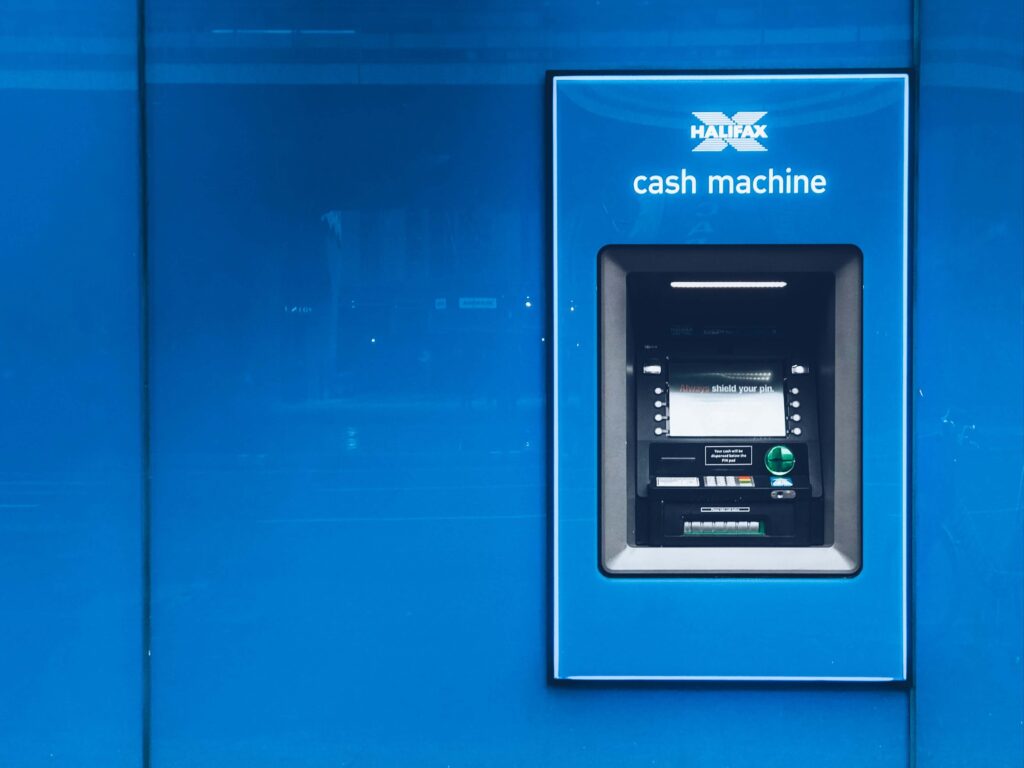
You can enjoy cardless Chase ATM access but to enjoy this feature you have to add your eligible Chase debit card to your phone’s mobile wallet app. You can easily use Chase ATM without cards. Follow the below steps:
1. First, go to the nearest Chase ATM and open the mobile wallet on your phone
2. Now from the available options select your eligible Chase debit card
3. Then take your mobile phone near the ATM symbol and tap it on the symbol
4. Once the ATM has successfully identified the eligible card in the mobile wallet you have to enter the ATM PIN which is associated with your ATM card
5. It will take a few moments to complete the process
How To Add A Card To A Phone’s Mobile Wallet

You can easily add a card to a phone’s mobile wallet. If you are an Android user then you can use Google Pay as your mobile wallet. So if you want to add a card to your Google Pay wallet then here are the steps:
1. First, download Google Pay on your mobile phone
2. Once the download is completed open the app on your phone
3. You will be asked to add a debit card
4. Provide the required information to add your Chase debit card
5. You might be asked to add a screen lock on your Android device
6. Google Pay works with PIN, pattern, password, fingerprint, or retinae scanning screen locks
FAQs About Chase ATM
1. Can I Use My Chase Debit Card At Any ATM?
2. Does Chase Really Give You $200?
3. How Much Can You Take Out Of A Chase ATM?
4. Can I Use Any ATM To Deposit Money Into My Chase Account?
5. Does Chase Debit Card Have A Daily Limit?
6. Can I Pay My Chase Credit Card At An ATM With Cash?
7. How Can I Get $300 From Chase?
1. You have to be a new Chase business checking customer
2. You have to deposit $2,000 or more (total) within the first 20 days from account opening
3. You have to maintain at least a $2,000 balance for 60 days from the day of opening the account
Moreover, you have to complete at least five “qualifying transactions” within the first 60 days of opening the account. The five “qualifying transactions” might be any of the following –
1. Debit Card Purchases
2. Chase QuickDeposits: You have to make mobile check deposits through the Chase Mobile app
3. Chase QuickAccept Deposits: Accept credit card payments through the Chase Mobile app
4. ACH Credits: Additional fees of $25 per month for up to 25 payments may apply
Wire Transfers: Both Credits and Debits
8. How Can I Get $600 From Chase?
Checking Account: You will receive a bonus of $300 when you open a Chase Total checking account with $25 or more. Moreover, you have to make a direct deposit within 90 days of account opening.
Savings Account: When you open a Chase saving account you will get a bonus of $200. But you have to deposit $15,000 or more within 20 days of account opening and you also have to maintain a balance of $15,000 for 90 days.
Extra Bonus: If you complete both the account bonuses then you will get another extra $100 bonus from Chase. After completing all the requirements Chase will deposit the bonus due within 10 business days.
9. What Is The Minimum Balance For Chase Checking Account?
References:
1. https://www.chase.com/digital/atms
2. https://www.atimeforcash.net/chase-bank-deposits/